Connect your 1D2C store to ChatGPT, Claude, Copilot and more
Add one URL to your AI app and sign in with your store account. Your assistant can then read products, orders and settings, and make checked updates such as price changes. Access is limited to your store, and you can disconnect at any time.
Works with the AI apps you already use
Connecting is a feature of the app, not the AI model. Any app that supports remote MCP servers with OAuth sign-in can connect. Menus vary by app, version and workspace policy.
ChatGPT
In Plugins, choose Add custom MCP server. Name it 1D2C, paste the URL, pick OAuth with dynamic registration, then connect and sign in.
Claude (web and desktop)
Go to Settings, Connectors, Add custom connector. Enter 1D2C and the URL, select Connect, sign in, then turn on its tools in your chat.
Claude Code
Run the add command below, then open /mcp in Claude Code, pick 1D2C and finish signing in. Check it with claude mcp list.
GitHub Copilot in VS Code
Run MCP: Add Server, choose HTTP and paste the URL. Start the server, approve in the browser, then enable the tools in agent mode.
OpenAI Codex CLI
Run codex mcp add and codex mcp login, shown below, and finish the browser sign-in. Use /mcp inside Codex to see the server.
Cursor
Add the server in Cursor’s MCP settings or mcp.json. Sign-in works only if your Cursor version uses a web or localhost callback, not cursor://.
Set up in four steps
The same three details work in every supported app: the name 1D2C, the URL https://api.1d2c.com/mcp and OAuth sign-in.
1. Add the server
In your AI app, add a custom MCP server named 1D2C with the URL https://api.1d2c.com/mcp. Leave client ID and secret blank; the app registers itself.
2. Sign in and approve
Enter your store account email, admin username and password on the 1D2C page. Check the store, the app and the permissions before you approve.
3. Ask your first question
Start with “Using 1D2C, show my store overview” or “List my latest orders”. Approve any change only after you’ve checked it.
4. Disconnect any time
Sign in at api.1d2c.com/oauth/connections and choose Disconnect and revoke access. Removing the app on your side alone may not notify 1D2C.
Each app uses its own config format: VS Code uses servers, Cursor uses mcpServers. Don’t add a fixed Authorization header; the app signs in for you. Never paste passwords or tokens into a chat.
What your AI can do
Read tools need store:read. Write tools need store:write, which also includes read access. A read-only connection can never change your data.
Tool
What it does
Scope
Read tools
get_store_overview
A summary of your store
store:read
list_products
Browse and search your products
store:read
get_product
Full details of one product
store:read
list_categories
Your product categories
store:read
list_orders
Your orders, with filters
store:read
get_order
Full details of one order, with its items
store:read
list_store_settings
Safe store settings, never secrets
store:read
Write tools
update_product
Edit details such as a product’s name or description
store:write
update_product_price
Change a price, checked before saving
store:write
update_store_setting
Change an allowed setting such as colours, contact details or hours
store:write
There is no raw database tool. Payment credentials, API secrets, arbitrary settings and destructive actions, such as deleting products or orders, are never exposed. For more on the platform, read the full feature list.
Built so an AI can’t go too far
Access is narrow by design, and the server checks every change itself instead of trusting what the AI sends.
Locked to your store
Every connection is tied to one store.
You sign in on 1D2C, never inside the AI chat
The AI can’t choose which store it talks to
Store and admin status are rechecked on every request
Short-lived access
Short-lived access
Tokens expire quickly and renew on their own.
Access tokens expire within 15 minutes
Each connection lasts at most 30 days, then you sign in again
Revoking a connection cancels its access and refresh tokens
Validated writes
Every change is checked
Bad values are rejected before they reach your store.
Prices must be valid amounts, zero or more, with up to two decimals
GST must be between 0 and 100, and product names can’t be empty
Settings must match their format, such as colours, URLs, email, phone, pincode and time
Keep reading
Guides on running your whole business from one platform.
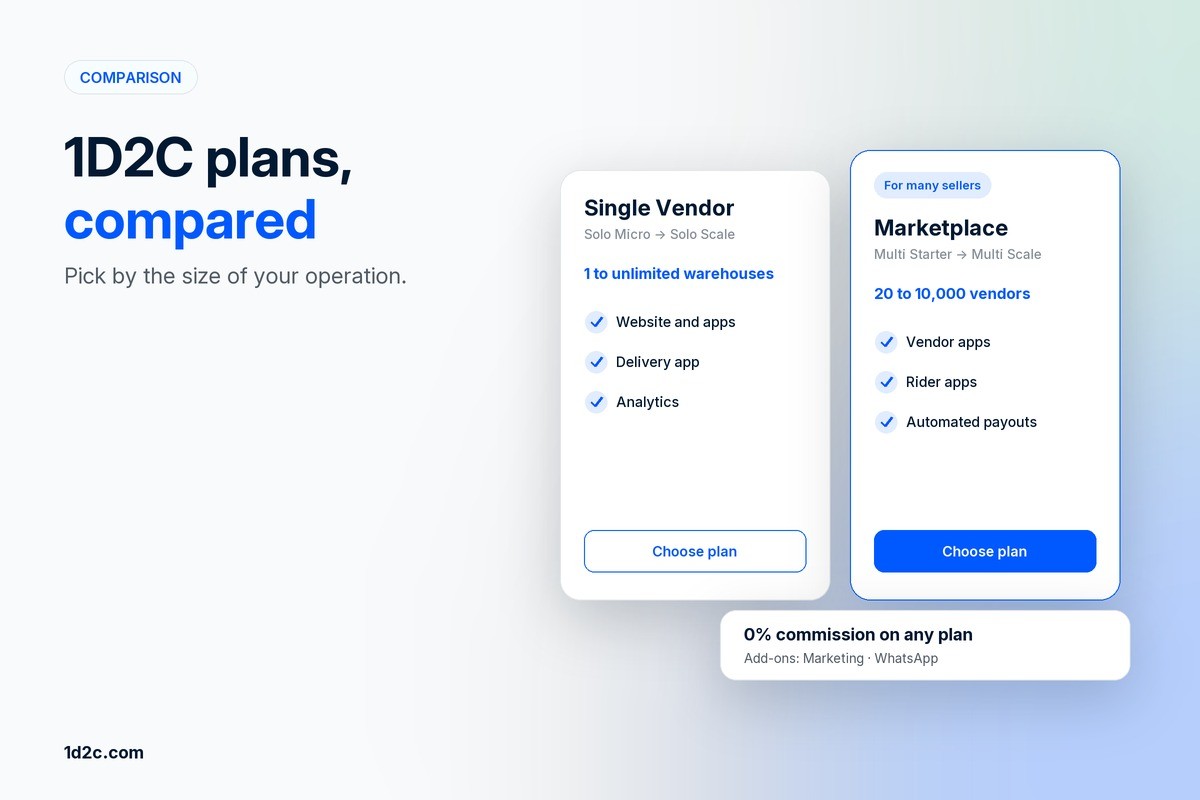
1D2C Plans Compared: Which Pricing Model Fits Your Brand?
1D2C pricing for 2026: every plan of our all in one ecommerce platform, from Solo Micro to Multi Scale, plus the marketing and WhatsApp ecommerce services.

From Buyer to Delivery: How 1D2C Powers a Seamless E-commerce Journey
How an e commerce online store runs on 1D2C, from the buyer app to the seller dashboard and delivery app, and why it beats building each piece yourself.

Why your Business needs Buyer, Seller, and Deliver Apps - All in One Platform
Why an all in one ecommerce platform beats separate buyer, seller and delivery apps, and how much website development and mobile app development it saves you.